- Log into your account
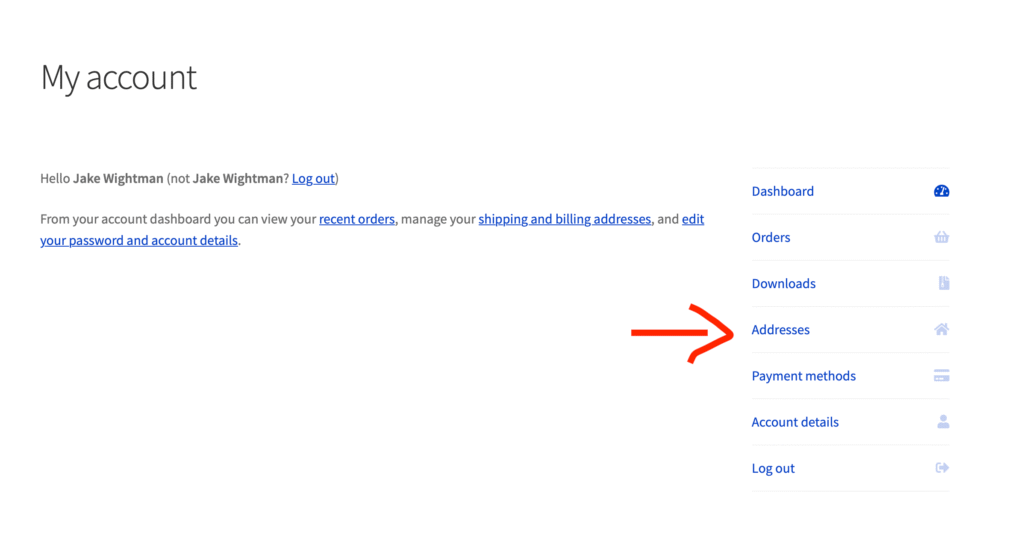
- Click on My account in the main menu
- Click on Addresses link on right hand side
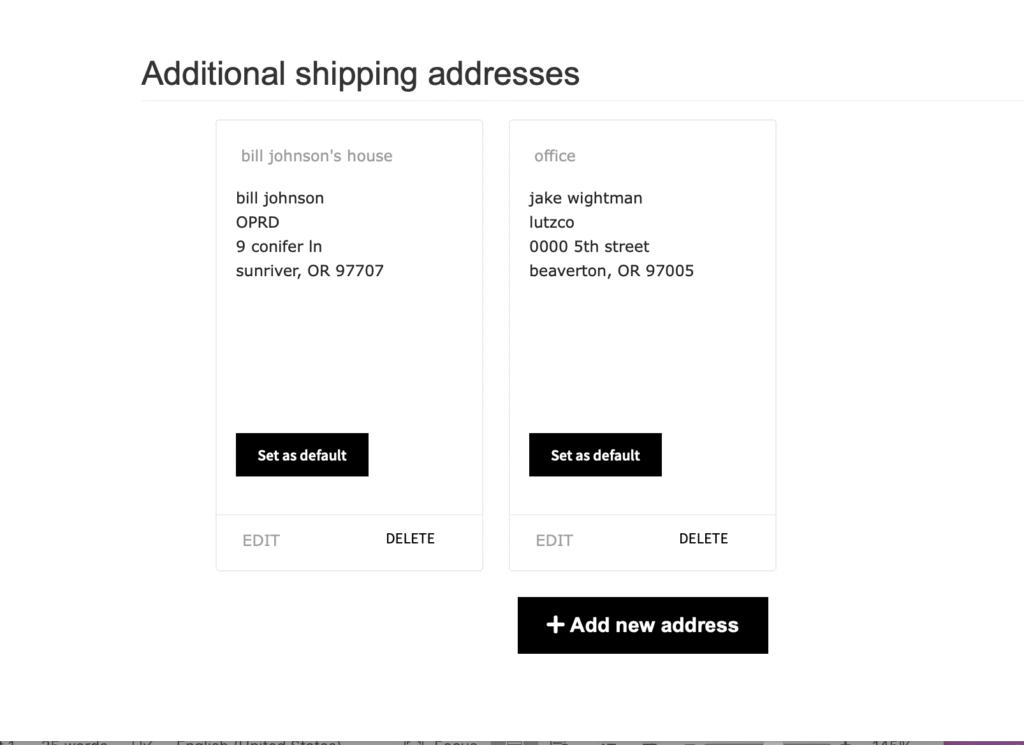
4. Scroll down to the bottom to see “Additional shipping addresses”. You can edit, delete and add new addresses. You can also pick which address to set as your default address.